Frontier models
Orkas OpenAI Anthropic Google Gemini DeepSeek Zhipu GLM Moonshot / Kimi MiniMax Doubao OpenRouter
For indie builders, one-person businesses, and small teams: direct a team of AI specialists to deliver the work. Start free with managed official models, or connect your own provider.
Download the app and start free. Official models work out of the box, or connect your own model provider and local agents.
Membership credits can be used in external products with an API key.
The AI team handles research, writing, office, operations, and much more, then delivers files you can use immediately or keep editing.
Bring customer interviews, usage data, competitor material, and current sources into one evidence trail. Contradictions and gaps stay visible in a recommendation your team can review.
Keep the same product facts, CTA, and creative direction across the launch article, social image, and reviewable 60-second video.
Reconcile the sales workbook and meeting notes first, then use the same checked figures to draft the report copy, update the analysis workbook, and build the review deck.
On schedule, automatically read last week’s tasks, messages, and meeting notes, then produce the team update, refresh project notes, and list follow-up owners and due dates for your review.
Three foundations make an AI team useful for real work, not just impressive in a demo.
Clear ownership from planning to handoff, with reusable working knowledge after every run.
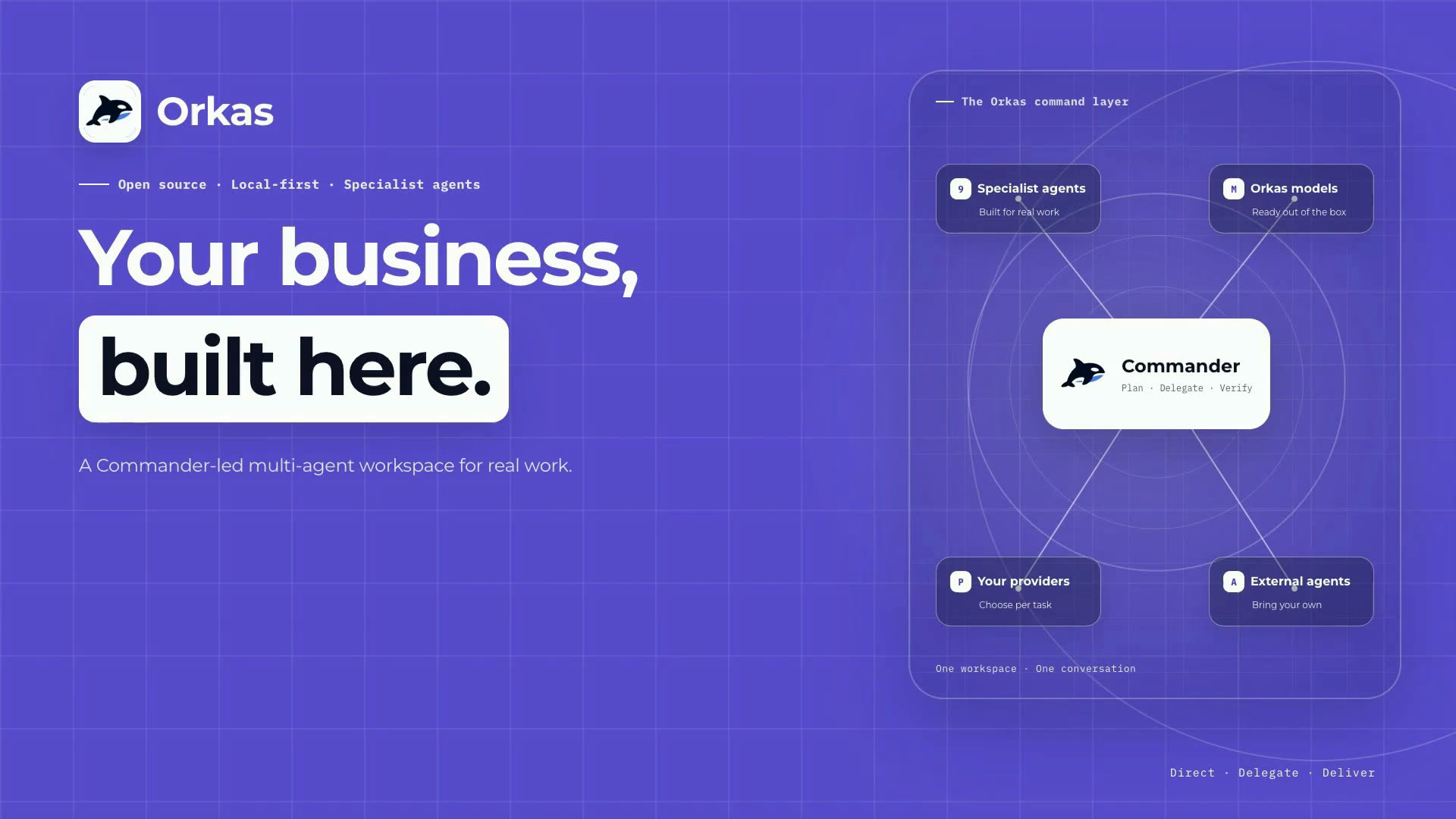
Turn a goal into an executable plan, then route, track, and verify the work.
Each specialist owns a stage, while the result stays on one coordinated task line.
Keep useful agents, skills, and project outputs ready for the next task.
Remember preferences and facts, review each run, and improve future plans.
Keep workspace data local by default, protect credentials, define boundaries, and confirm critical actions.
Chats, files, project history, and knowledge material stay on your device by default.
Protect API keys and sensitive settings locally instead of exposing plain text.
Decide what an agent can read, call, or change for each kind of work.
Pause before risky operations so you can confirm the action and cost.
Use your models, external agents, and connected systems without locking your work into one platform.
Inspect the implementation, self-host what you need, and avoid a black box.
Choose managed official models or connect your own supported provider.
Call supported local agents from the same workspace and conversation.
Connect data sources, tools, and community capabilities through supported integrations.
Orkas is stronger when work needs a team, local context, reusable workflows, and control over model keys.
| Tool | Main use | Setup cost | Workspace scope | Coordination / reuse | Data / key control | Best fit |
|---|---|---|---|---|---|---|
| OrkasAI team desktop | Command an AI team across code, docs, research, data, operations, and more. | Desktop app, ready to use | Full workflow workspace | Commander + reusable sub-agents | Official models + BYO keys | You want complex work to become a reusable team workflow. |
| CodexCoding agent | Work on coding tasks inside a repository. | Client / CLI | Repository | Single coding agent session | Client/account based | You mainly need focused repository coding. |
| Claude CodeCoding agent | Work on deep coding tasks inside a repository. | Client / CLI | Repository | Single coding agent session | Client/account based | You mainly need focused repository coding. |
| ClineEditor coding agent | Autonomous coding inside VS Code. | VS Code plugin | Editor workspace | Single editor conversation | Configured in plugin | You want hands-on coding where you edit. |
| LangChainAgent framework | Build custom agent systems in code. | Engineering required | Whatever you build | You design orchestration | You implement control | You are building agent infrastructure. |
| OpenClawSelf-hosted assistant gateway | Run a personal assistant across channels, agents, and skills. | Self-hosted setup | Gateway + channels + workspaces | Agent routing + sub-agent runs | Self-operated | You want a channel-first, self-hosted personal assistant. |
| Hermes AgentAlways-on server agent | Run background and scheduled automations. | Server setup | Server workflows | Cron / scripts | Self-operated | You need unattended background automation. |
| DeepSeek HarnessComposable agent runtime | Build and run a plugin-composed agent for workspace tasks. | Node.js / npm developer preview | Workspace / custom runtime | Replaceable agent loop + subagents | Local config + provider keys | You want to compose or extend the agent runtime itself. |
Orkas is an open-source, local-first multi-agent AI desktop client for macOS and Windows. A super-powered Commander coordinates specialist agents to complete complex work together.
Use Orkas as a coordinated AI team for complex work: research markets, turn findings into reports or slides, read PDFs with citations, fix bugs and open PRs, analyze data, create apps or videos, organize inbox and calendar work, connect external tools, and more, then turn repeated work into reusable agents and skills.
ChatGPT is a hosted assistant, while Codex, Claude Code, and Cline focus on coding sessions. Orkas is an open-source, local-first AI workforce where a Commander coordinates specialist agents to complete complex work together.
No. Orkas can provide managed official models that run through Orkas-managed model service. You can also connect your own providers through OAuth or API keys, including OpenAI, Claude, Gemini, DeepSeek, Kimi, and GLM; bring-your-own-provider calls go directly to that provider.
By default, your configs, history, knowledge bases, and generated files stay on your machine. If you bring your own keys, they are stored locally and requests go directly to your provider. Orkas-managed models and optional cloud features use Orkas services only for those selected features.
The desktop app is free and includes 500 bonus credits for managed official models; bring-your-own-provider usage is billed by your provider. Paid plans add monthly credits, multi-device sync, and cloud storage. Remote control and team collaboration are planned.
Credits meter the Orkas-managed model service only. If you connect your own provider key, those calls go straight to that provider and are billed by it, so they use no credits. Paid plans include a monthly allowance — 5,000 on Lite, 10,000 on Pro, and 50,000 on Max — and you can also buy lifetime credit packs as a one-time purchase, which work exactly like monthly credits and are available whether or not you subscribe (monthly credits are spent first). Consumption follows each provider's official pricing: roughly 100–300 credits per million input tokens, 2–6 per million cached input tokens, and 200–600 per million output tokens, so repeated context costs far less than it looks.
Yes. The Orkas desktop client is open source under the MIT license at github.com/Orkas-AI/Orkas. You can read the source, build it yourself, and audit exactly what the app sends over the network.
Yes. The open-source desktop edition is free to download and self-host, and it runs without an Orkas account: you add your own provider keys and your conversations, files, and keys stay on your machine. The official release adds the optional hosted services — managed models, multi-device sync, and cloud storage — and those need an Orkas account. One thing worth being clear about: Orkas is a desktop client, not a server, so self-hosting means running the app on your own machine rather than deploying a server for a team.
The official download page provides macOS and Windows builds. The open-source repository also supports Linux, which you build yourself. The interface offers 18 language options, including regional variants; you can switch language in the app at any time.
Install the desktop app, choose a managed official model or connect your own provider, and put an AI team to work in minutes.